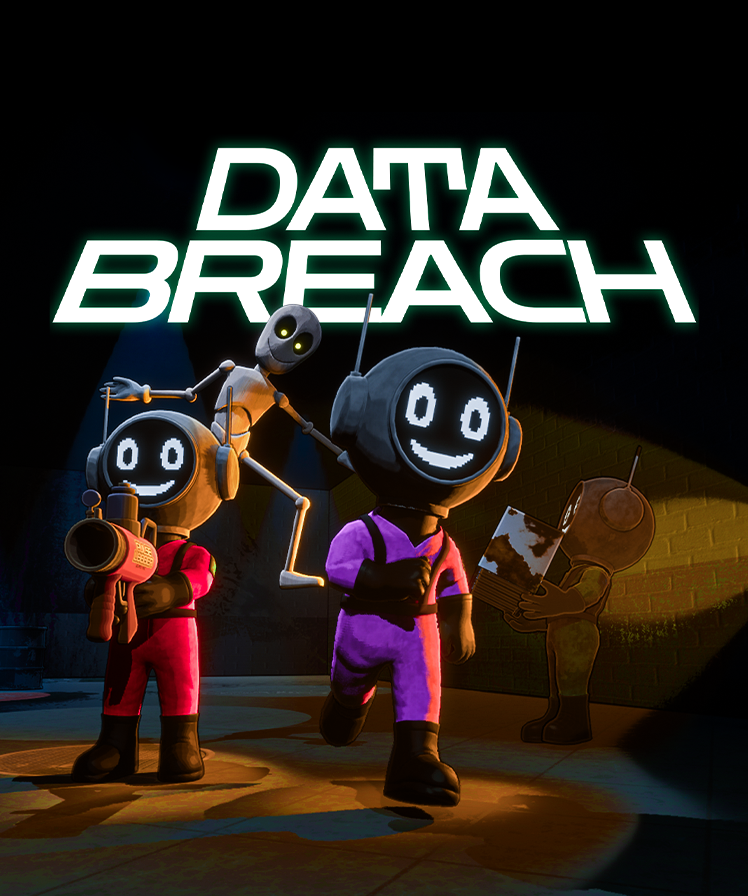
Playtest Overview & Important Information
Purpose of this playtest
The purpose of this playtest is to capture gameplay footage and identify bugs so we can improve the game ahead of release, most importantly before Steam Next Fest in February. Your participation helps us refine the experience and make informed decisions moving forward.
Gameplay clips / social media
During the playtest, we will be showcasing the best gameplay clips on our official social media channels and may also feature them in our next trailer.
Best Clip Competition
We will be hosting a Best Clip Competition.
- The winner will be able to choose an item to be added to the in game loot pool.
Important Disclaimer
- This is not a finished product.
- The game is missing a significant amount of content.
- Many core features are incomplete or still being experimented with.
- You are gaining early access specifically to help find bugs, and to share what you like and don’t like.
- Please do not expect a full or near complete game. The goal is to gather feedback so we can deliver a stronger experience for Steam Next Fest and beyond.
We value all feedback, both positive and negative.
Below, you will find a list of common bugs you may encounter during the playtest. You will also receive a separate Google Form where you can share detailed feedback on what worked well and what didn’t.
Thank you for helping us improve the game!
How to Play (Quickstart)
Pick a level on the train, collect and deposit data to meet your quota (GB), then extract. Some UI/audio feedback may be missing in this build.
1) On the Train: choose a level and deploy
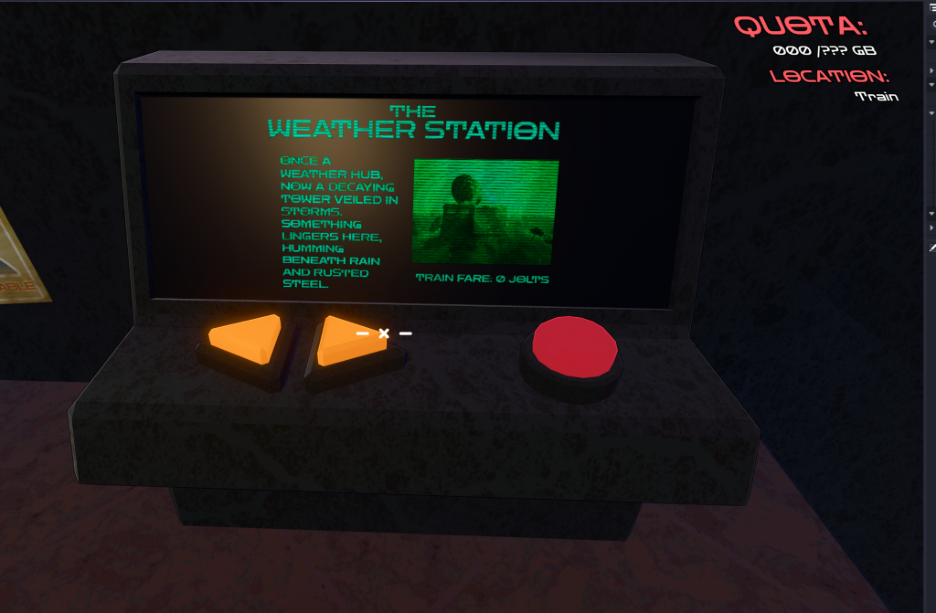
- Find the Level Select Terminal on the train.
- Use the arrow buttons to cycle destinations (playtest focus: The Weather Station).
- Press the red button to deploy.
- Top right HUD shows your current quota and location.
Spend Jolts (team currency). Current items: Health Pack, Spray Paint Can, Stim (temporary speed boost).
2) Weather Station: deposit items to build Total Data
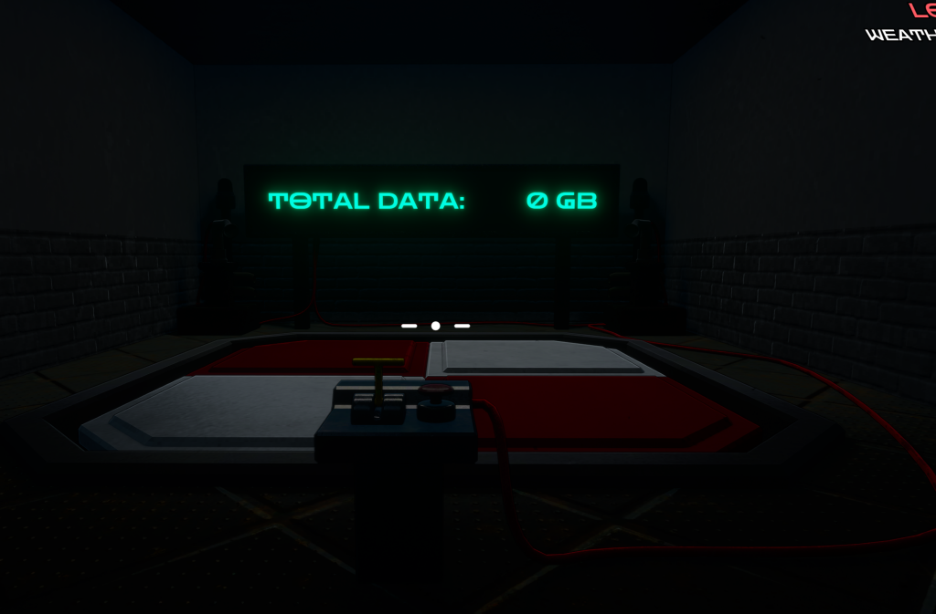
- Find a Deposit Pad.
- Drop items onto the pad (Drop key: G).
- Use the yellow lever/switch to submit the items.
- The wall display shows your team’s Total Data in GB.
3) Weather Station: extract once quota is met
- You cannot leave until your team reaches the quota.
- Go to the extraction terminal.
- Press the red button when it says PUSH TO EXTRACT.
- Current build: there is no penalty if someone is left behind (this may change).

4) Data Depot: purchasing (current playtest flow)
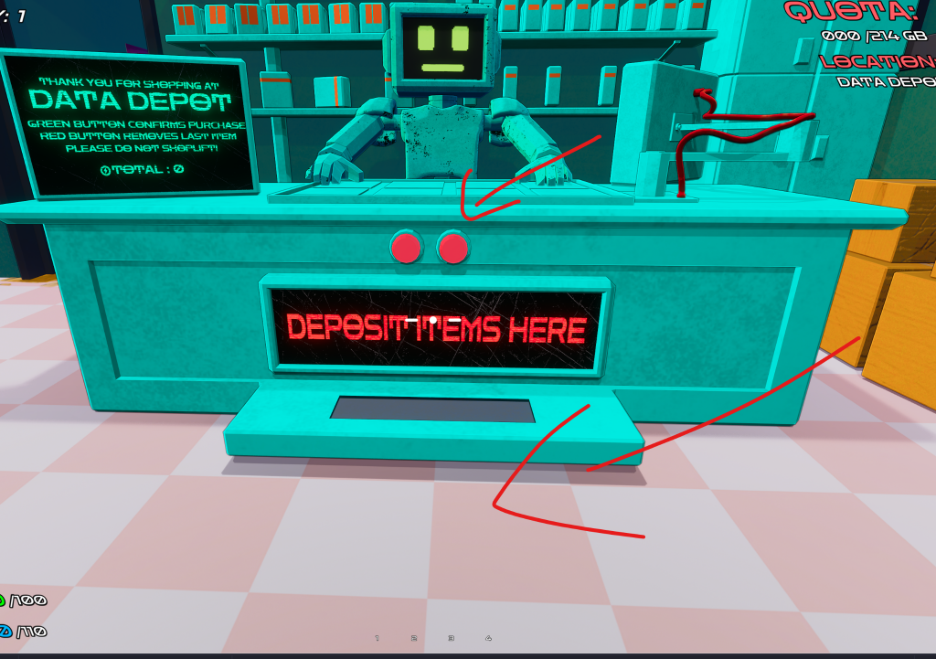
- Drop items onto the DEPOSIT ITEMS HERE tray.
- Press the purchase/confirm button.
- There may be no sound/feedback; check that Jolts were deducted.
Common Bugs & Workarounds
These are known issues you may run into during the playtest. If you hit something new, please report it in the feedback form.
| Bug | Workaround / Tip |
|---|---|
| After you pick up an item, you may still see the item on the ground. | Refresh your inventory using your scroll wheel. |
| The game may crash when you are traveling between maps. | To be safe, try to limit talking while you press the button to travel between maps. |