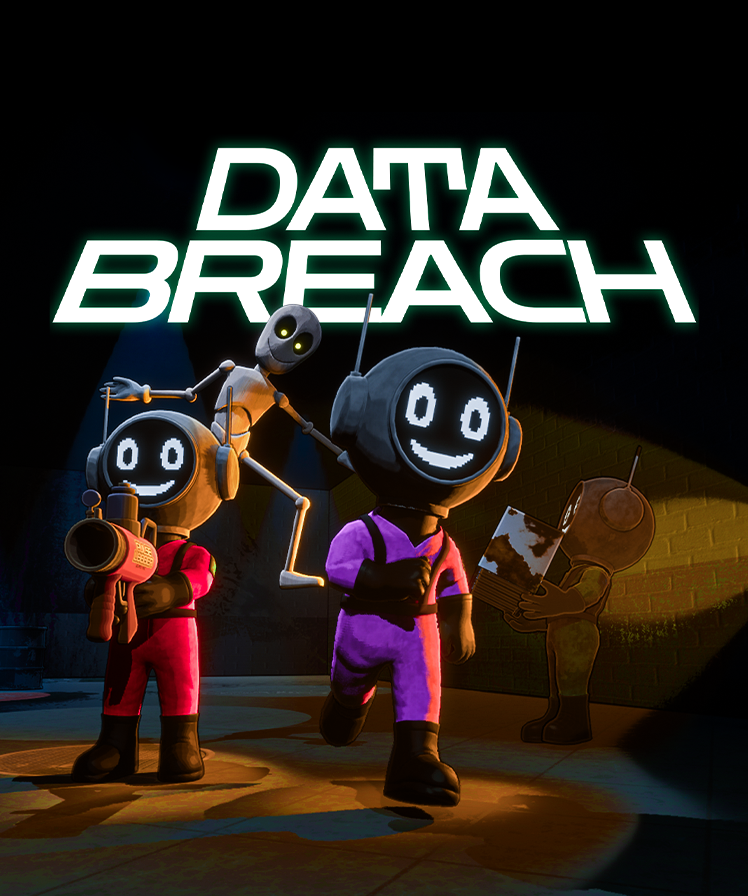
Demo Overview & Info
This is a demo and a very early version of the game, made by three people over the past year.
Discord
Please join the Discord — we’d love to hear your feedback and bug reports.
https://linktr.ee/LiminalArcStudios
Please join the Discord — we’d love to hear your feedback and bug reports.
https://linktr.ee/LiminalArcStudios
Clips & recordings (optional)
If you record any clips or gameplay, it’s appreciated — feel free to share them with us.
Important Disclaimer
- This is not a finished product.
- The game is missing a significant amount of content.
- Many core features are incomplete or still being experimented with.
- You are playing an early demo specifically to help find bugs, and to share what you like and don’t like.
- Please do not expect a full or near complete game. The goal is to gather feedback so we can deliver a stronger experience in future updates.
Thank you for helping us improve the game!
How to Play (Quickstart)
Pick a level on the train, collect and deposit data to meet your quota (GB), then extract. Some UI/audio feedback may be missing in this demo.
Inviting friends (Steam)
Use Steam’s Invite system to bring friends into your lobby: open the Steam overlay (Shift + Tab), or press Pause and click the Invite button (this opens the same Steam overlay). You can also use your Steam Friends list, then invite them to the game.
Note: You can’t invite new players while you’re in a live mission (on the map). Return to the train first, then send invites.
Use Steam’s Invite system to bring friends into your lobby: open the Steam overlay (Shift + Tab), or press Pause and click the Invite button (this opens the same Steam overlay). You can also use your Steam Friends list, then invite them to the game.
Note: You can’t invite new players while you’re in a live mission (on the map). Return to the train first, then send invites.
Settings notes
Device selection and audio settings are available in the menu.
Confirmed working settings:
Device selection and audio settings are available in the menu.
Confirmed working settings:
- Mouse sensitivity
- Window mode
- Quality preset
- FPS limit
- Push-to-talk
- Audio output device select
- Master volume (should turn down everything in the game)
- Music volume (works, but limited — not all audio is mapped yet)
- Sound effects volume (works, but limited — not all audio is mapped yet)
- Mic gain
- Voice volume (other players)
- Any control rebinds available in the menu
Controls (Quick Reference)
| Control | Action |
|---|---|
| C | Crouch |
| F | Use / toggle flashlight |
| R | Dungeon only: toggle the entrance marker |
| Left Click | Use item (ex: swing a fire extinguisher, use a health pack) |
| Right Click | Secondary use for some items (ex: spray the fire extinguisher) |
| E | Interact (ex: open doors, pick up items) |
| G | Drop held item |
| Mouse Wheel | Scroll / cycle inventory |
| Enter | Open text chat |
Voice Chat: Open Mic is On by default. Push-to-talk is available in Settings (and works).
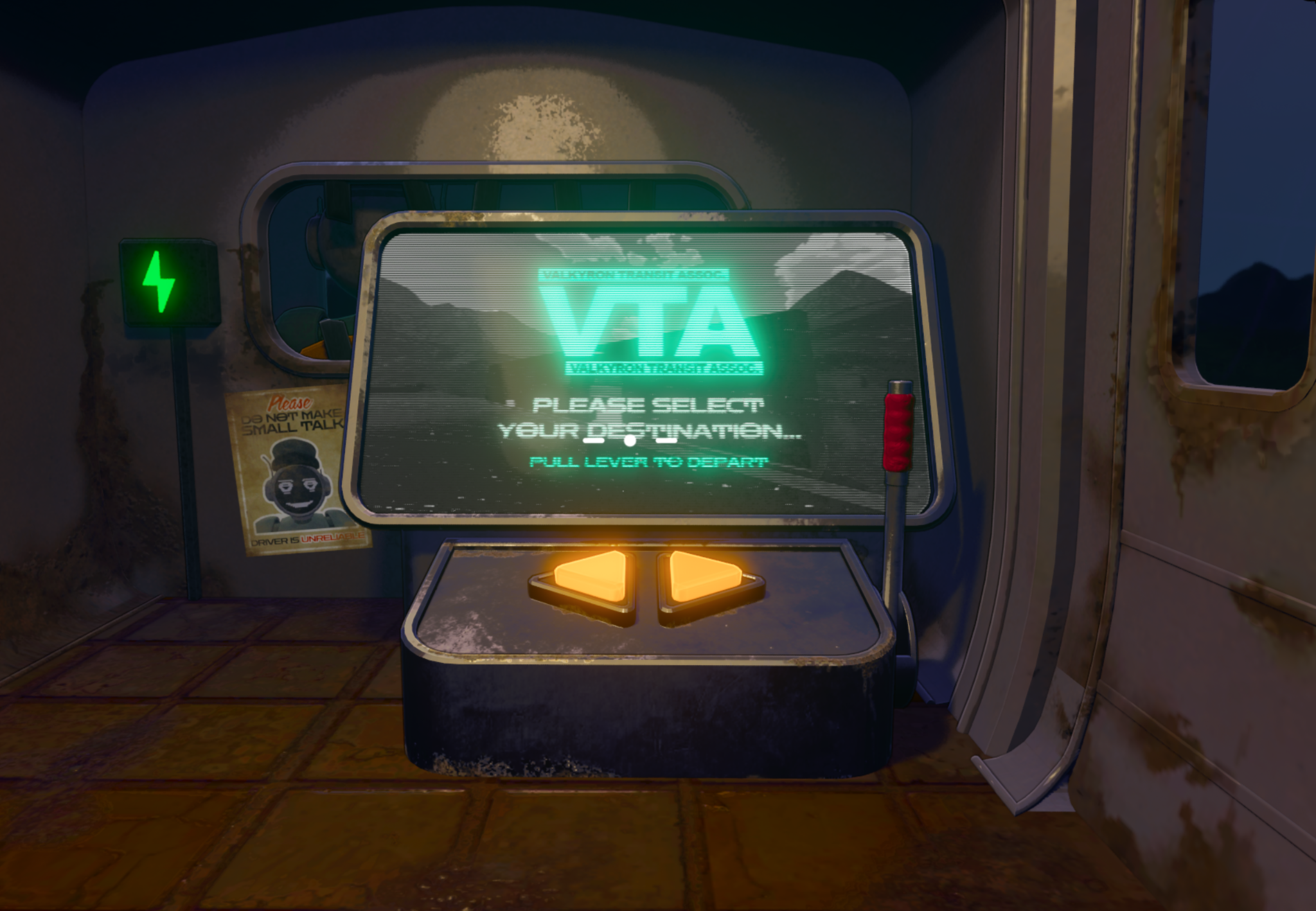
1) On the Train: Level Select Terminal
- This is your Level Select Terminal on the train.
- Use the arrow buttons to cycle destinations.
- Demo Focus: select The Weather Station.
- To travel, hold Left Click to hold the red lever, then let go to travel to the destination.
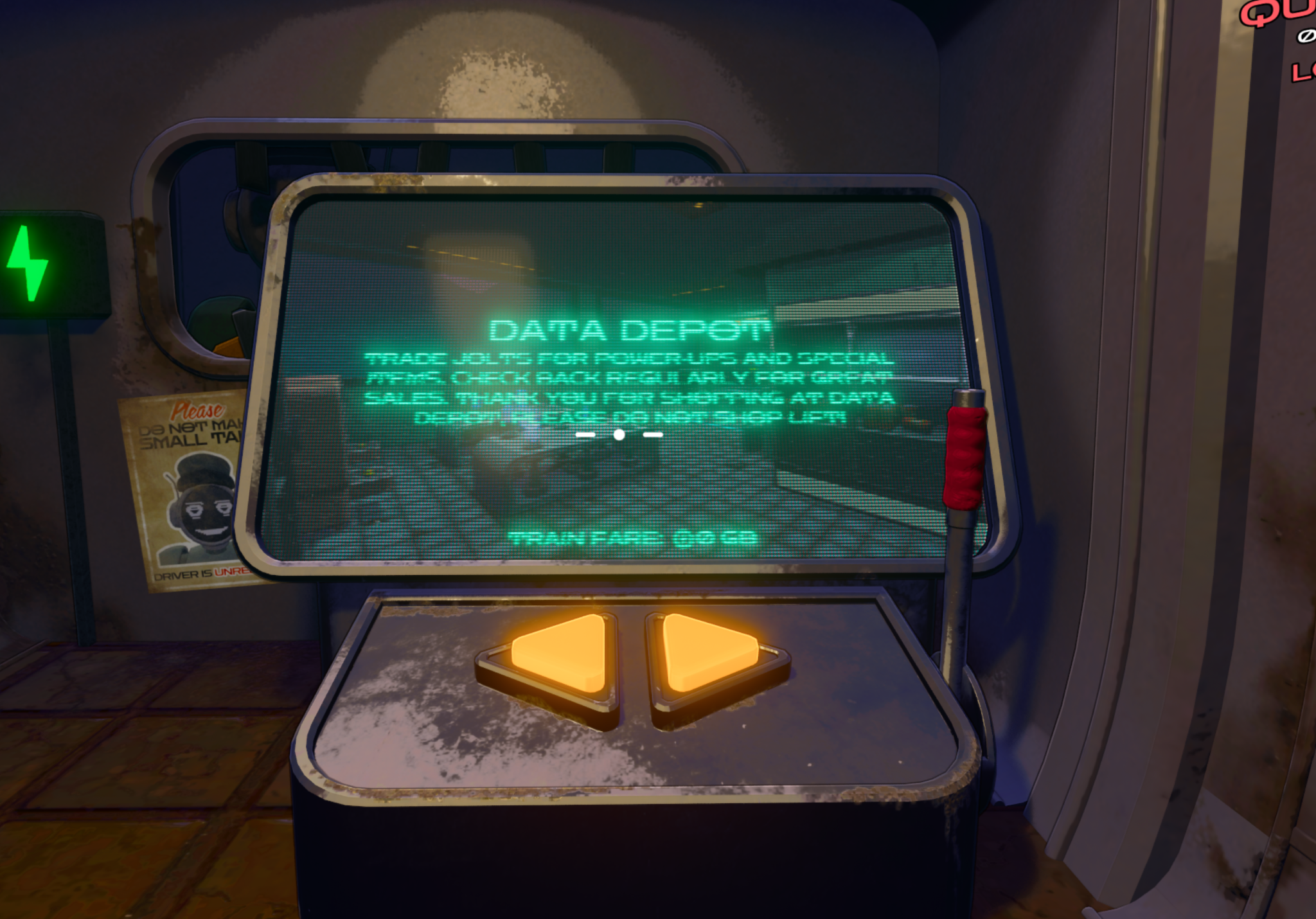
2) Destination: Data Depot (Shop)
- The Data Depot is the shop location.
- Spend Jolts (your team balance currency) to purchase items.
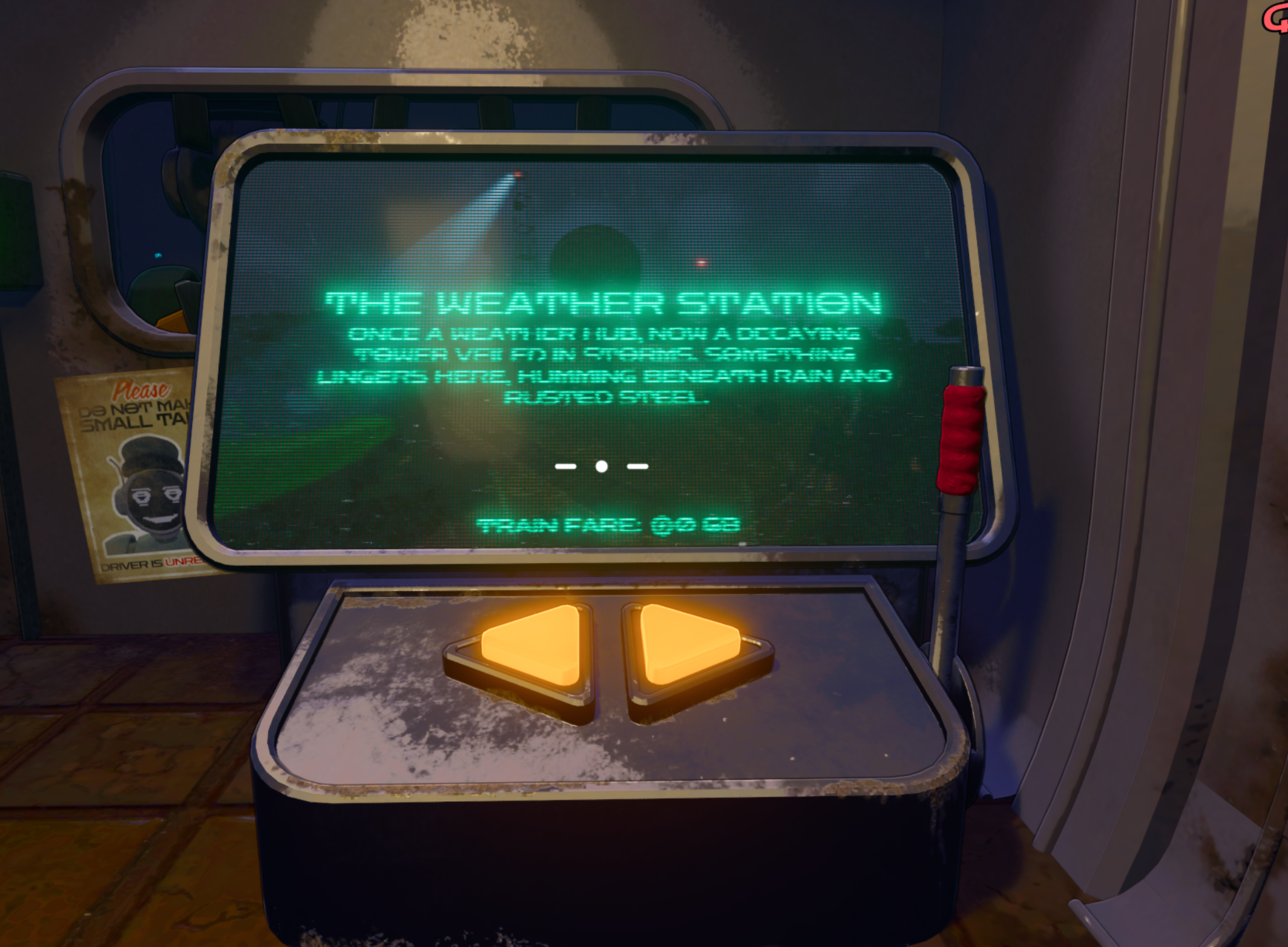
3) Destination: The Weather Station (Demo Focus)
The Weather Station is the first map of the game and the focus of the demo. At this location, you will be tasked to fill a quota — and hopefully, successfully get out alive.
4) Weather Station: deposit items to build Total Data
Run rules: Each day/round is procedurally generated. The demo loop is 5 days; after Day 5 it resets to Day 1.
- Find a Deposit Pad.
- Drop items onto the pad (Drop key: G).
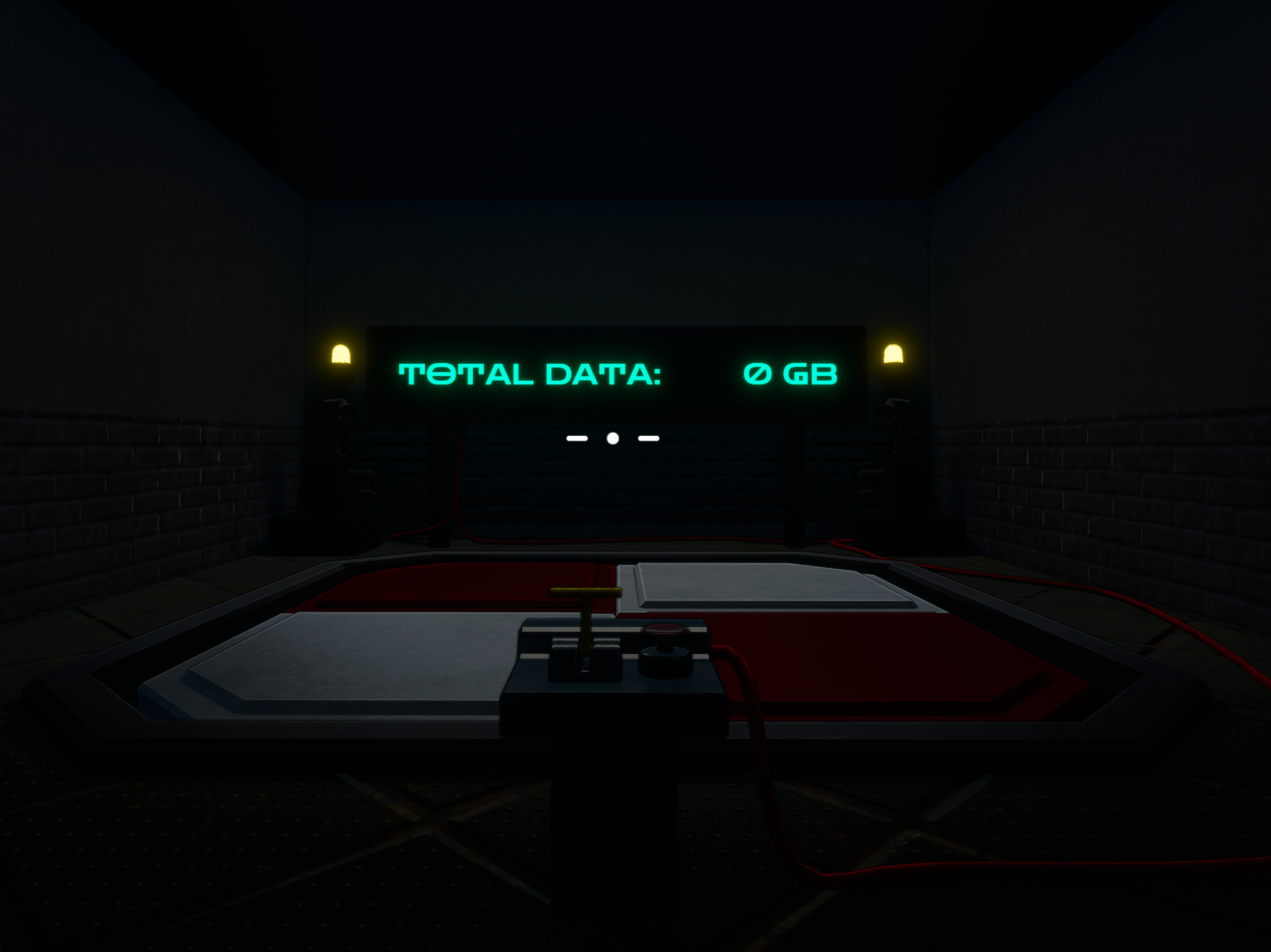
- Use the lever/switch to submit the items.
- The wall display shows your team’s Total Data in GB.
5) UI Help
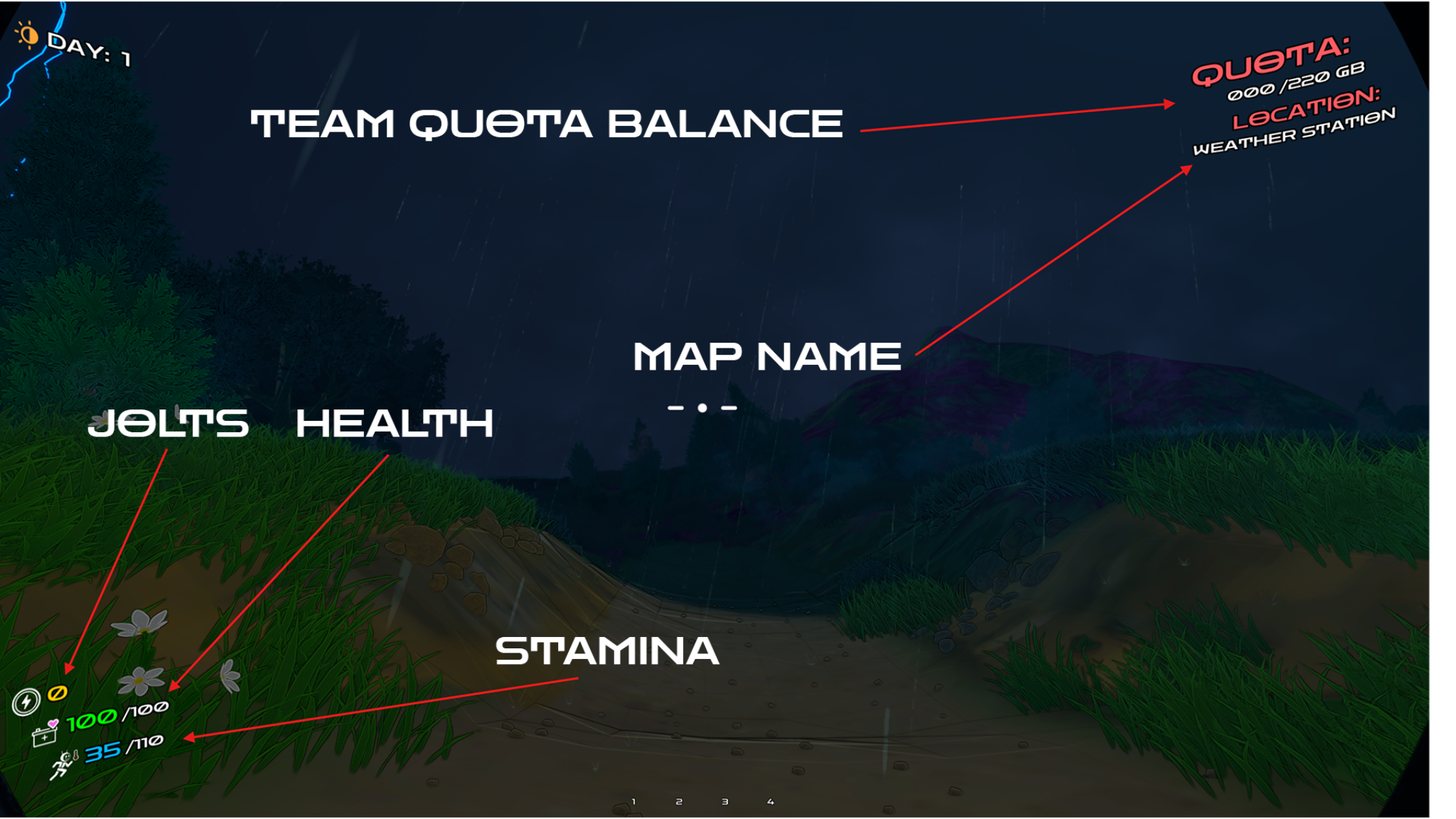
- Team quota balance: how much data your team has extracted for that round.
- Map name: the location you’re currently at. In the future, some locations will cost Jolts to enter.
- Jolt balance: Jolts is the collective currency that you earn throughout the game for your team.
- Health: your health.
- Stamina: works as a temperature gauge. Be careful not to overheat or you will take damage.
6) Loot: GB value
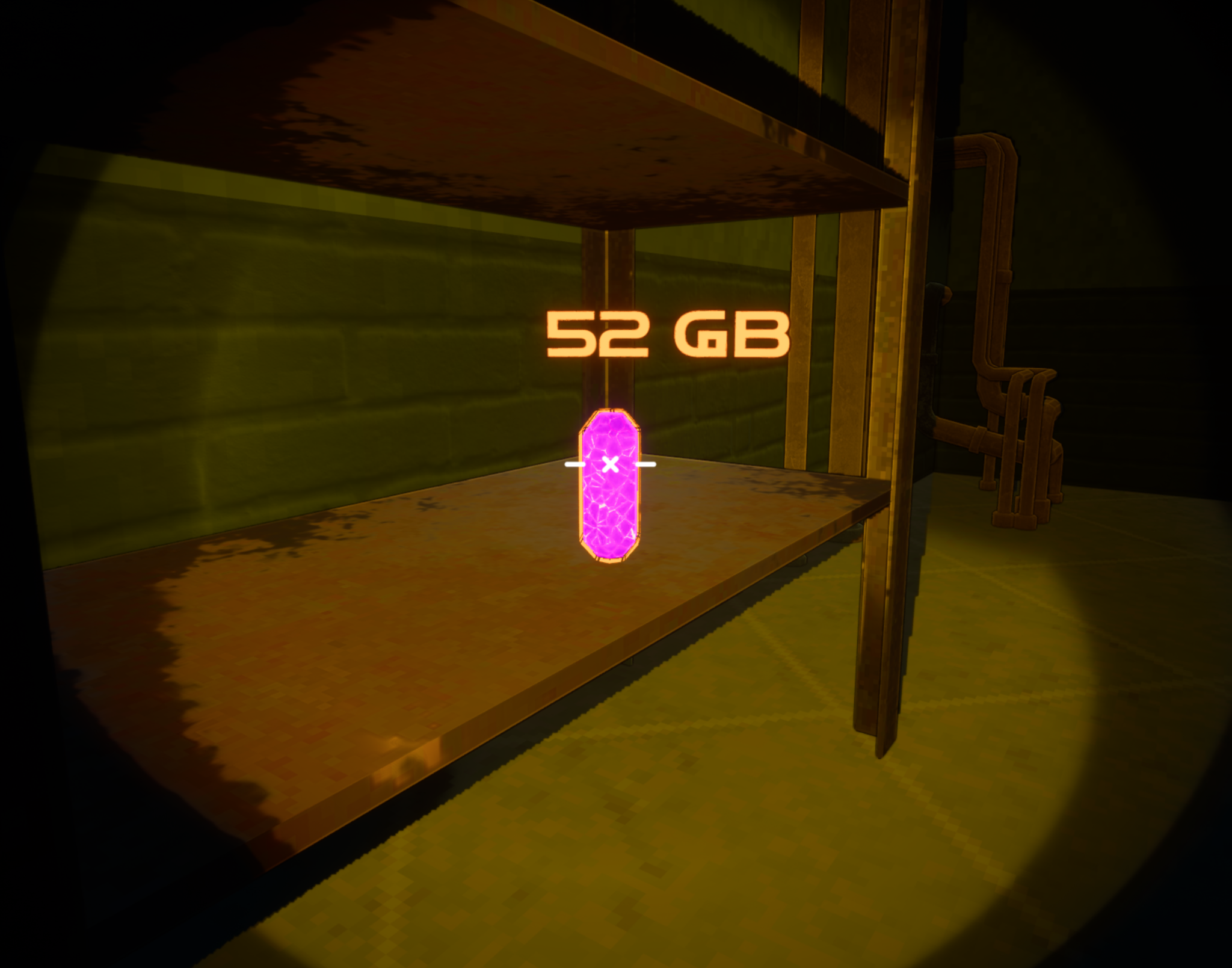
- When you highlight over a loot item, it will display the gigabyte (GB) value of that particular item.
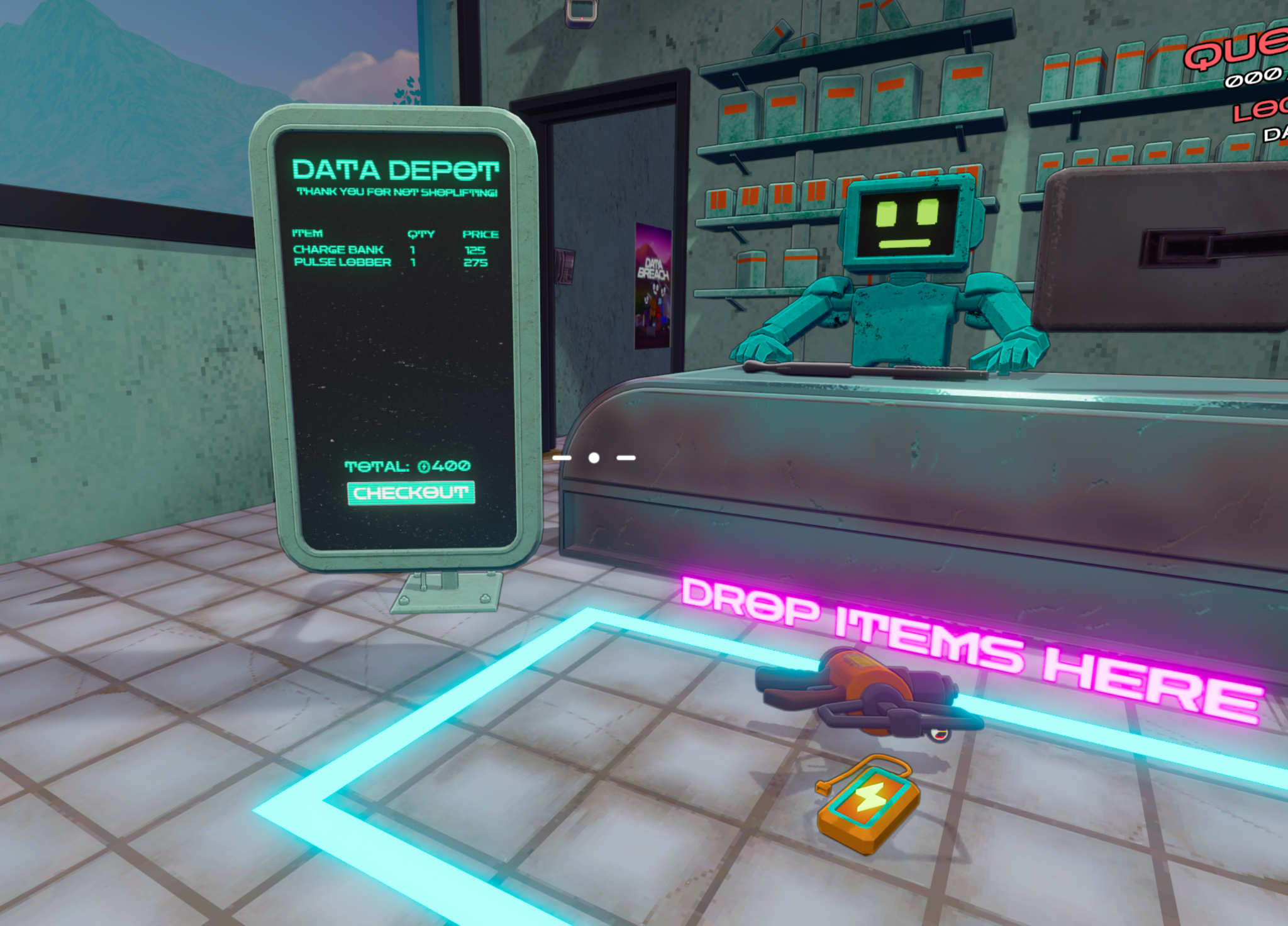
7) Data Depot: checkout and purchase
- Checkout area: drop the items in the highlighted location.
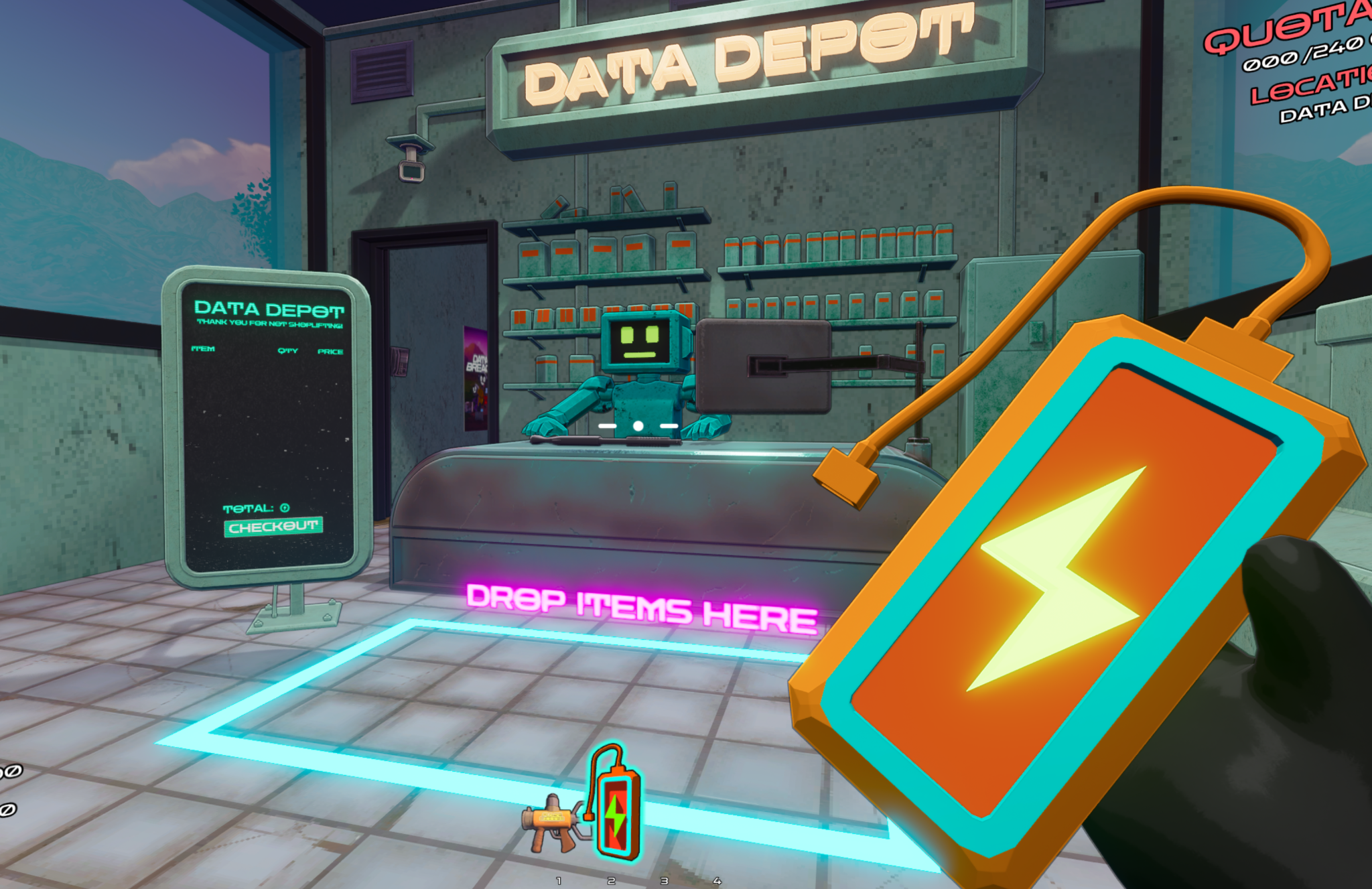
- Price screen: indicates each dropped item’s quantity and price.
- Press Checkout to confirm the purchase.
Common Bugs & Workarounds
These are known issues you may run into during the demo. If you hit something new, please report it in Discord.
| Bug | Workaround / Tip |
|---|---|
| You may see a “ghost” item in a player’s hand (or your own) that isn’t actually there. | Pick up a different item, then scroll your mouse wheel to refresh your inventory. This should clear the ghost item. |
| You may be able to hear other players when they’re not near you. | This is a known voice distance/attenuation issue in this demo. If it happens, please note it in your report (map/day and host/client helps). As a temporary mitigation, you can lower Voice volume (other players) in Settings. |
| The customization screen may go blank sometimes. | If this happens, restart the game. |
| The entrance door may not work on the first click. | Click it a few times and it should let you into the dungeon. |
Reporting tip: When posting in Discord, include what day you were on, what map, what you were doing, and whether you were host/client when the bug happened.